10 Best Link-in-Bio Tools for Creators

Paul Osas
13 min read

Instagram and TikTok only give you one precious clickable link slot.
You look at everything you want to promote: your portfolio, your digital products, your email newsletter, and your partner brands, and realize they won't all fit.
Should you just link to a generic website homepage?
Will putting too many buttons overwhelm your visitors?
How do you turn random profile clicks into actual revenue?
It is incredibly frustrating to build a growing social media presence only to watch your hard-earned traffic leak away because your bio destination looks unprofessional.
Your bio link shouldn't just be a static directory of links; it should operate as the digital command center of your business.
Choosing the right tool depends entirely on what you want a visitor to do the second they click your profile.
So let's show you how to:
-
Choose the ideal bio tool tailored to your specific creator business model.
-
Minimize friction so your followers easily convert into paying clients or buyers.
-
Optimize your visual landing hub to display your absolute best assets.
Shall we?
Your Bio Destination is Your Most Valuable Real Estate
While tracking down the best apps for content creators helps optimize your workflow, your bio link is where conversion actually happens. If you are learning how to become a UGC creator, brands aren't just looking at your social content; they are analyzing your professional infrastructure.
A clean, aesthetic landing page establishes immediate authority. It shows anyone landing on your page exactly who you are, what you offer, and how to do business with you.
An optimized link in bio layout structure minimizes choice fatigue for your visitors.. Source: Design Bundles.
Top Link-in-Bio Tools for Creators
1. Linktree
Pros and Cons
Pros
-
Highly customizable landing pages for strong brand alignment
-
Robust analytics help track visitor engagement and clicks
Cons
-
Most advanced features require higher-priced plans
-
Learning curve for advanced customization options
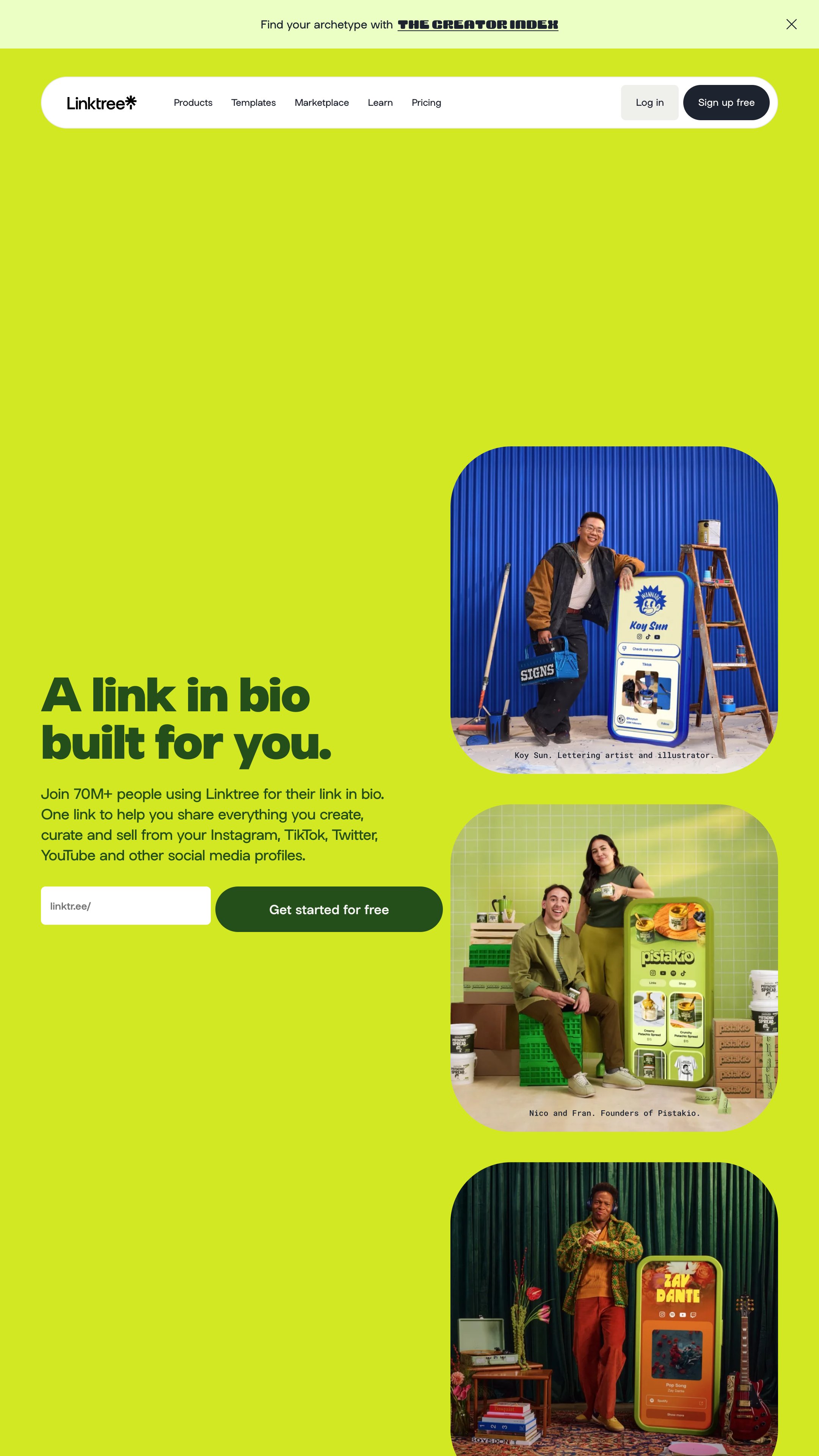
Linktree remains the absolute default platform most people think of when they hear the words "link in bio"—and for good reason.
It is incredibly easy to use and provides highly stable, clean layouts. For early-stage creators who aren't quite ready to launch fully fledged digital stores, Linktree offers an unbeatable playground to showcase work.
You can use Linktree's organized button structure to cleanly present your portfolio layout. This becomes incredibly impactful once you learn how to build a media kit that brands can't ignore.
You can easily link out to your embedded video reels, your social proof, and your curated campaign examples without causing any layout clutter.
Plus, its "Linktree Shops" feature allows creators to sell products directly, which opens up serious monetization potential.
Pricing ranges from a free basic plan to a $24/month premium tier, which includes priority support and 0% seller fees.
Setup is straightforward, and the user-friendly interface makes adding and organizing links simple. Some advanced features may require a bit of learning along the way.
2. Beacons Link in Bio
Pros and Cons
Pros
-
All-in-one monetization, email, and analytics toolkit
-
AI-powered tools streamline content creation and marketing
Cons
-
Free plan has limited email sends and higher transaction fees
-
Advanced features locked behind higher-tier subscriptions
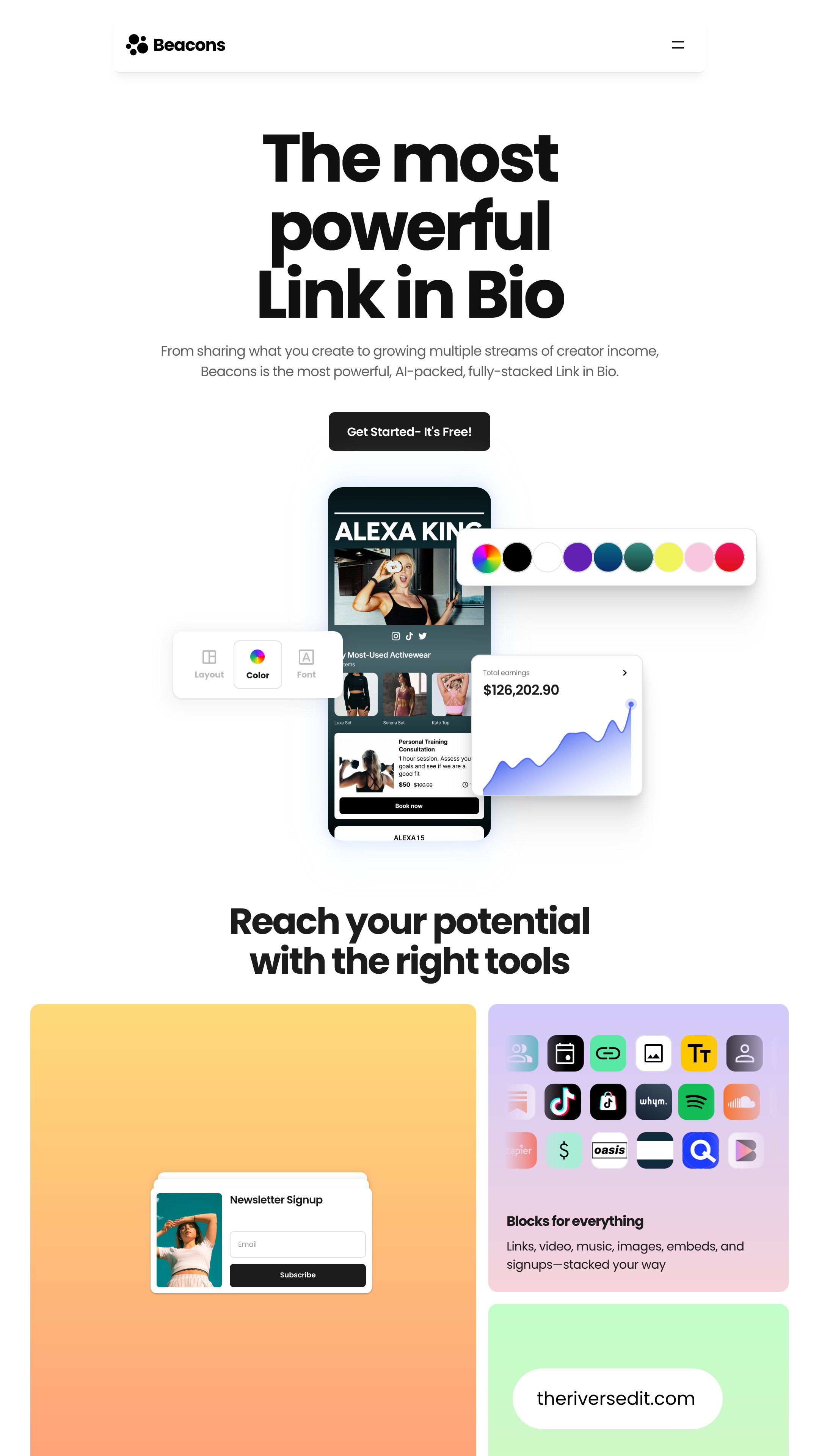
Beacons is built specifically for creators who view their content output through an analytical lens.
Beyond standard link buttons, Beacons features powerful AI content blocks, email capture forms, and auto-updating media kit parameters.
When you are systematically researching how to find brand emails for UGC and sending out high-converting UGC pitch templates, you want to back up your pitch with real-time data.
Beacons pulls your latest audience metrics automatically, so you never have to manually edit a PDF again.
This proactive approach prevents you from making the critical brand deal outreach mistakes creators make, such as presenting outdated metrics or broken asset links to potential corporate partners.
A free plan is available, and premium tiers (starting at $10/month) include features such as custom domains and increased email sends. Higher plans also offer the benefit of removing transaction fees entirely.
Its drag-and-drop editor makes the setup simple, even for beginners, while the mobile-optimized interface keeps everything user-friendly on the go.
3. Campsite.bio
Pros and Cons
Pros
-
Easy drag-and-drop setup with intuitive interface
-
Versatile analytics and integration options for marketing
Cons
-
Free plan offers only basic analytics and limited data retention
-
Lifetime data and collaboration only in the highest tier
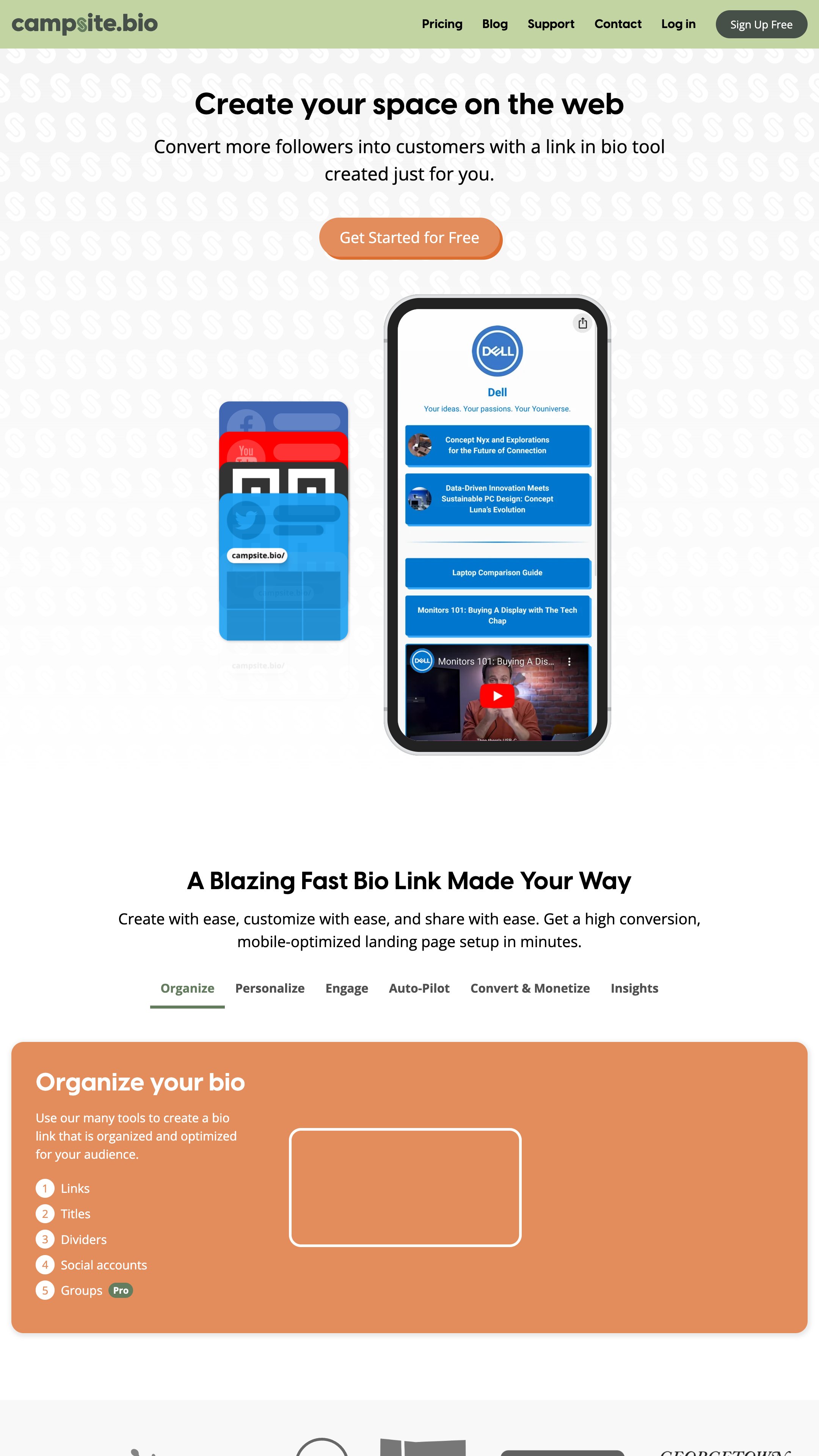
Campsite.bio is a popular choice for creators looking to organize their digital presence into a single, easy-to-navigate landing page.
It offers a range of customization options, allowing users to personalize their bio link with themes, fonts, colors, and even custom backgrounds like gradients and patterns.
Analytics are built into the platform, with varying data retention based on your subscription plan, 28 days on the free plan, 120 days for Pro, and lifetime access with Pro+.
For those needing advanced tracking, Campsite.bio integrates with tools like Google Analytics, Facebook Pixel, and Pinterest Pixel.
Additional features include link scheduling and highlighting, which are particularly useful for creators managing time-sensitive campaigns or wanting to draw attention to specific content.
Pricing starts with a free plan offering unlimited links and basic customization. The Pro plan costs $7/month and includes analytics and scheduling, while the Pro+ plan at $24/month includes lifetime data retention and tools for team collaboration.
Its intuitive setup makes it accessible, even for beginners.
4. Lnk.Bio
Pros and Cons
Pros
-
Unlimited links and rich template selection for flexible page design
-
Wide range of integrations and direct service selling options
Cons
-
Advanced customization and analytics require paid plans
-
Some features can be overwhelming for new users
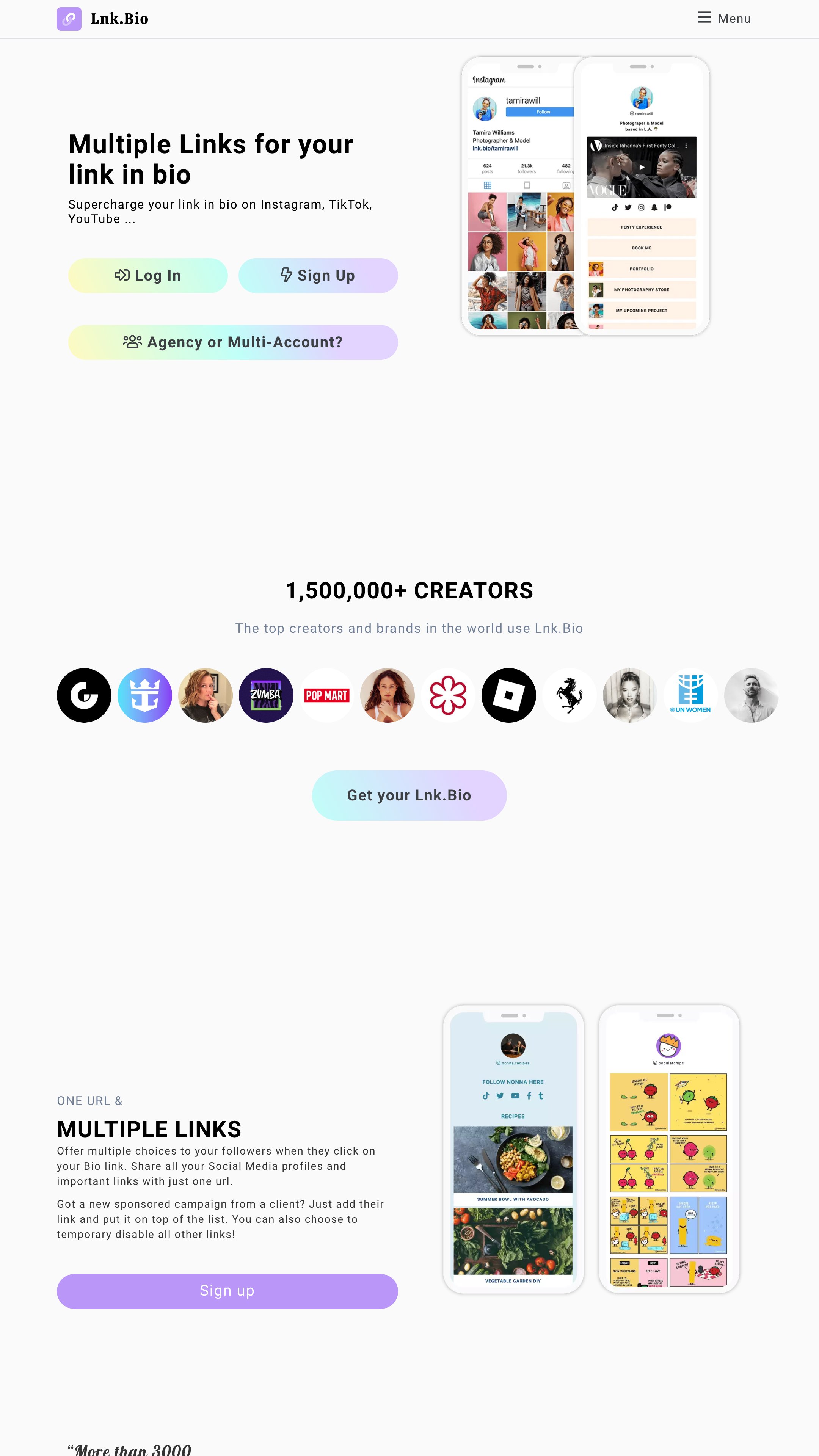
Lnk.Bio is a straightforward and highly customizable link-in-bio tool, ideal for creators who want to maximize their profile's potential. With the ability to add unlimited links, you can consolidate everything from your latest content to services and storefronts in a single space.
Customization is a major highlight, offering over 2,500 icons, 442 free templates, and access to 28,179 fonts to match your personal brand. Features like media embeds from platforms such as Spotify and YouTube, plus link scheduling options, give creators flexibility in how they present their content.
The platform's pricing is flexible. A free plan includes unlimited links and basic analytics, while premium options, starting at $0.99/month, provide advanced tools like link scheduling, external pixel tracking, and custom domains.
For creators seeking an all-in-one solution, the Ultra Plan at $89.99/year adds verification badges, booking calendars, and direct service sales.
From quick setups to drag-and-drop customization, it's designed for creators who want both simplicity and robust options. Lnk.Bio's web-based interface is intuitive, with no technical expertise required.
5. Later Link in Bio
Pros and Cons
Pros
-
Seamless integration with Instagram and TikTok posts
-
Analytics and scheduling built into the platform
Cons
-
Analytics history is limited on lower-tier plans
-
Fewer customization options compared to others
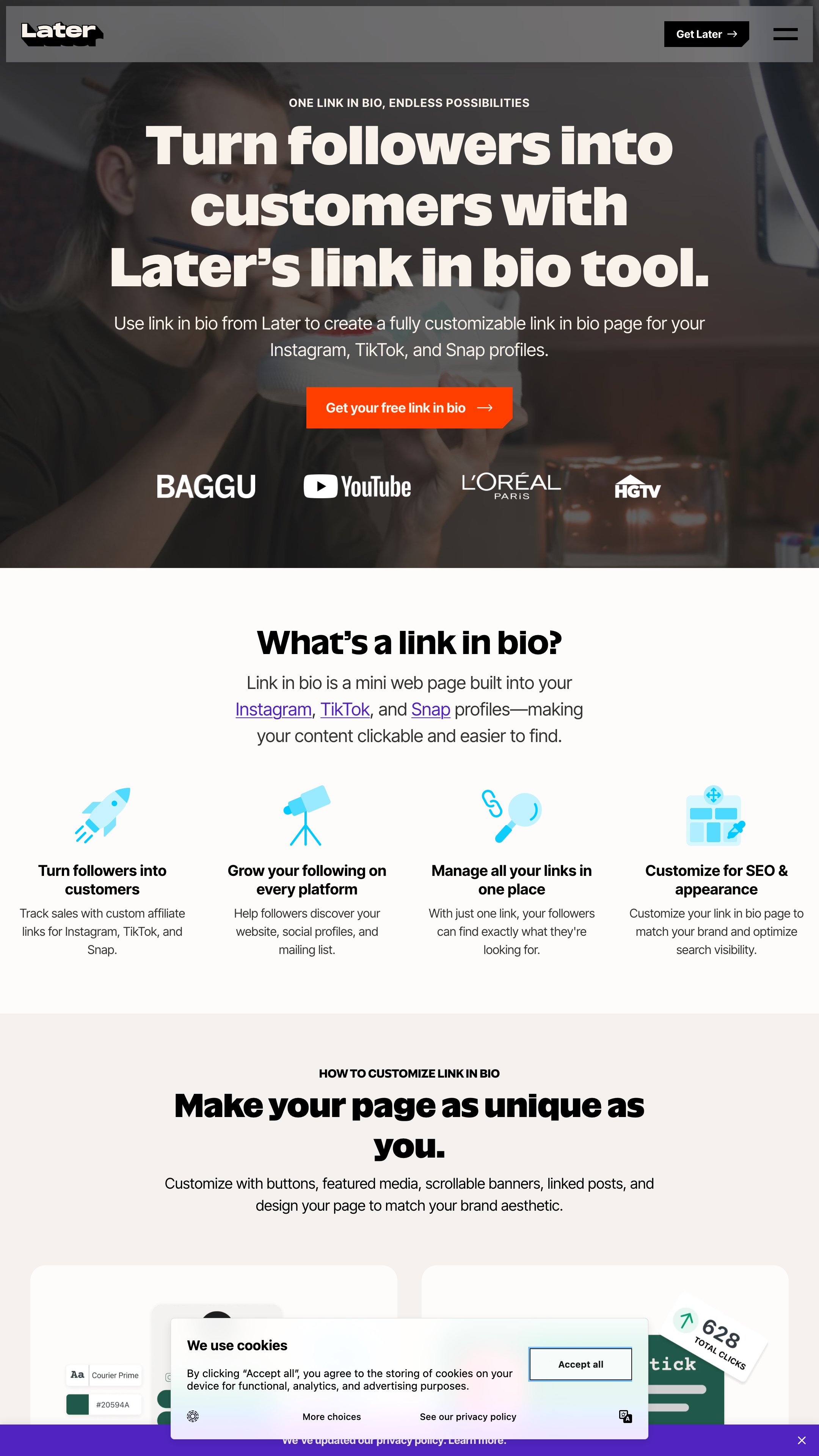
Later transforms your single bio link into a visual replica of your Instagram or TikTok grid.
When a follower watches a video showcasing a specific product or workflow, they can tap your bio link and click the exact thumbnail image to find the purchase link. This is exceptionally helpful if you want to show brands how your content directly drives physical or digital traffic.
For example, you can visually showcase how you map out client assets by displaying live results of how to write a UGC content brief for brands or how you map out creative visions using a guide on how to storyboard UGC videos. It bridges the gap between passive viewing and active clicking.
The Creator Golden Rule: Never include more than 5 to 7 total links on your bio landing page. Offering too many choices triggers decision fatigue, causing visitors to leave without clicking anything.
6. Milkshake
Pros and Cons
Pros
-
Build and manage sites entirely from a mobile app
-
Interactive card-based design enhances user engagement
Cons
-
Mobile-only management may frustrate desktop users
-
Deeper analytics and branding removal require paid plans
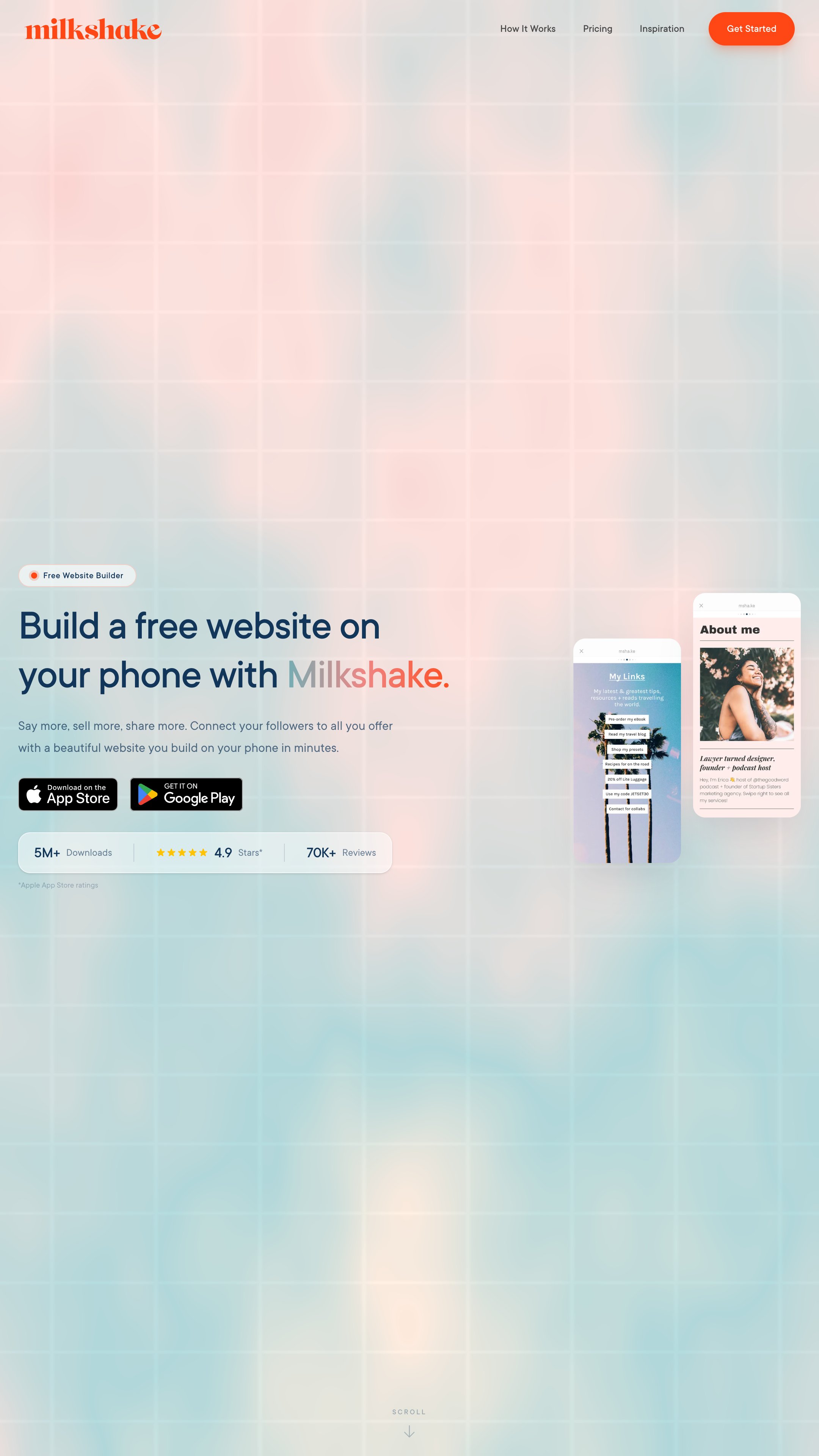
Milkshake is a mobile-first link-in-bio tool built for creators who want to build interactive, swipeable mini-websites directly from their phones. Using its card-based structure, you can stack customized "Cards" to showcase everything from links and videos to blog posts and podcasts.
This swipe navigation feels modern and keeps audiences engaged.
Customization is a major perk. With pre-made templates, called "Looks," you can personalize fonts, colors, logos, and images to match your brand's aesthetic, all without needing design skills. Milkshake also supports embedded content, so you can add YouTube videos or podcasts seamlessly.
Analytics are baked in, offering insights into clicks, views, and visitor behavior.
Plans range from a free option with basic features to Pro+ subscriptions that include advanced tools like custom domains and Google Analytics integration. The app is especially useful for creators who prefer a mobile workflow, though desktop-based users may find fewer options for management. Still, it's easy to use and quick to set up.
7. Shor (Formerly Shorby)
Pros and Cons
Pros
-
Messaging integrations enable direct follower communication
-
Dynamic content feeds auto-update with new posts
Cons
-
No free plan after trial period ends
-
Some features limited by subscription tier
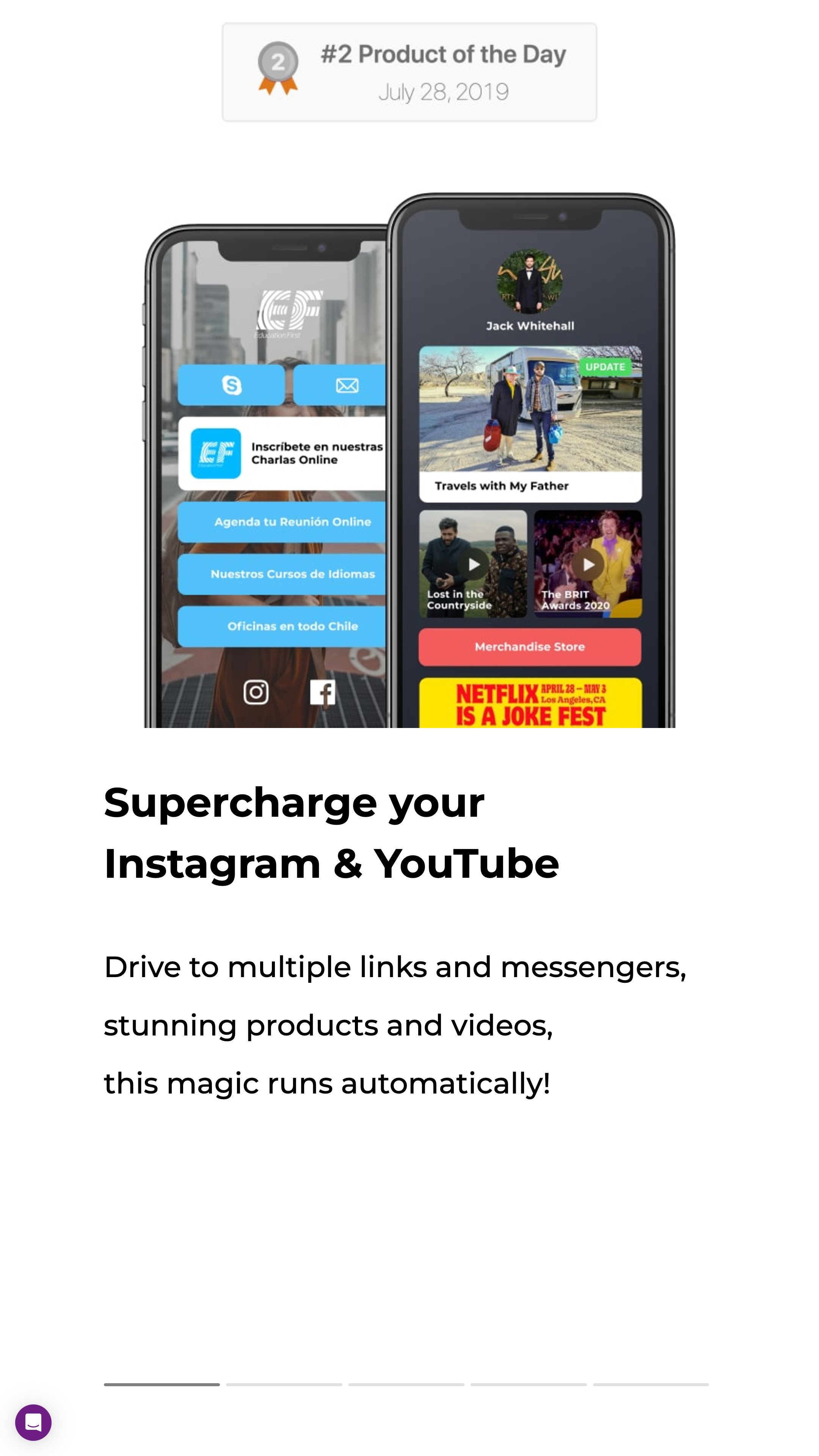
Shor, formerly known as Shorby, is a link-in-bio tool that helps creators build sleek, customizable landing pages for their social media profiles. Its standout feature is the ability to personalize pages with adjustable colors, fonts, and layouts, making it easy to align with your unique brand identity.
Creators can also integrate messaging platforms like WhatsApp, Messenger, and Telegram directly into their pages, enabling seamless communication with followers.
In addition, dynamic content feeds automatically update with your latest posts from platforms like YouTube or WordPress, keeping your audience engaged without extra effort. Plus, Shor includes link-shortening capabilities and basic analytics, so you can track impressions and clicks with ease.
The platform offers a 14-day free trial, with plans starting at $12/month for core features. For advanced options like custom domains, the Pro plan is $24/month, while the enterprise-level Agency plan costs $82/month.
Its intuitive, block-based editor ensures a simple setup, whether you're a beginner or a seasoned creator.
8. Bio.fm
Pros and Cons
Pros
-
Flexible block-based pages for diverse content types
-
Embeds media directly from various platforms
Cons
-
Free plan restricts number of content blocks
-
Custom URLs and themes require premium plan
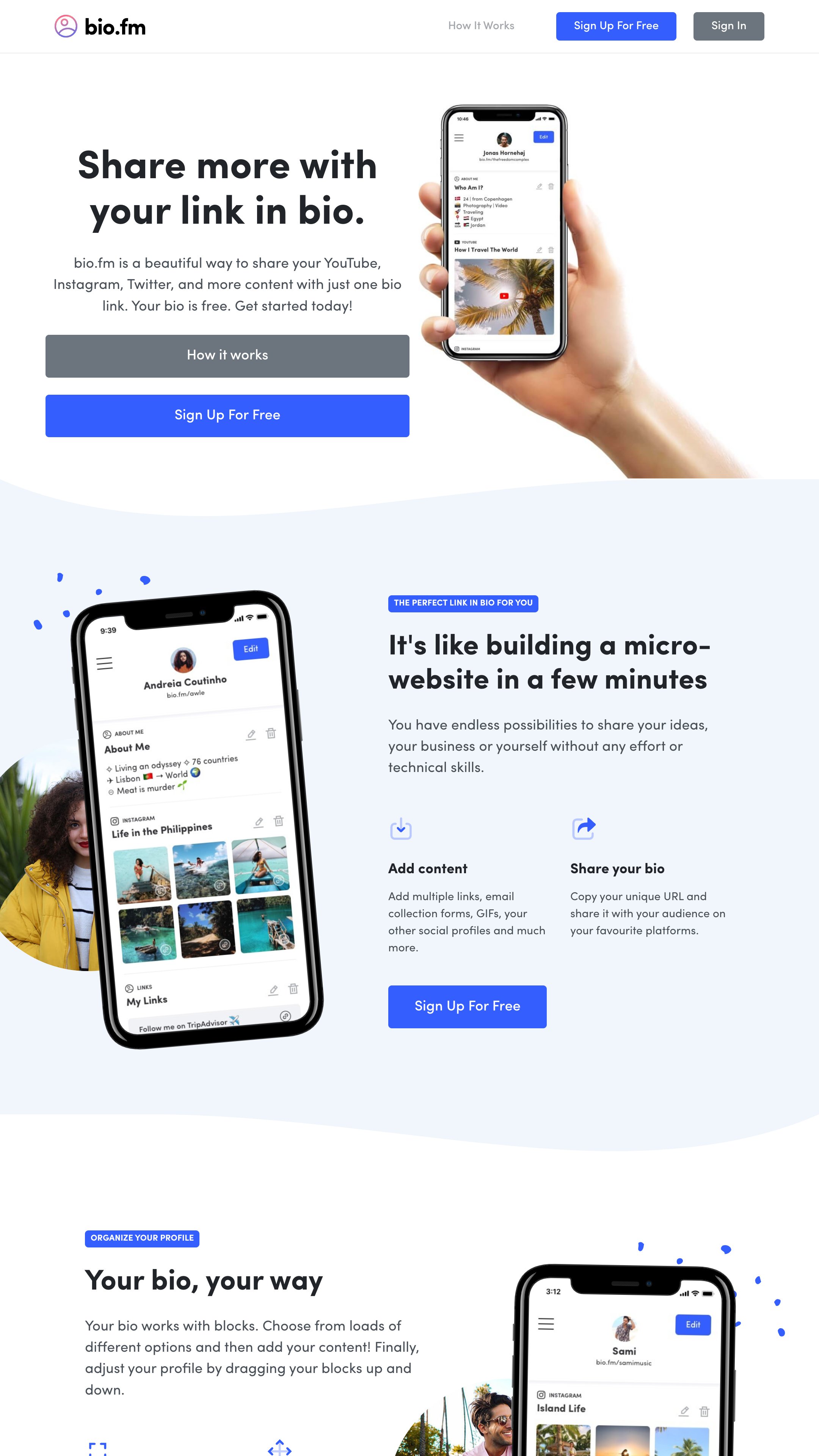
Bio.fm stands out for its block-based system, which allows creators to design dynamic link-in-bio pages featuring a mix of content like links, videos, GIFs, and music. This flexibility makes it easy to showcase your personality or brand while guiding your audience to important destinations like social profiles, e-commerce stores, or recent projects.
You can also embed rich media from platforms like YouTube and Spotify, turning your page into an interactive experience.
Customization is a breeze with options for fonts, colors, and background images, helping creators align their pages with their aesthetic. The built-in analytics track clicks and views, offering valuable insights into what resonates with your audience.
Bio.fm offers a free plan with basic features. The $10/month premium plan includes unlimited content blocks, analytics, and custom themes.
The intuitive drag-and-drop setup ensures that even those new to link-in-bio tools can create a professional page in minutes.
9. Taplink
Pros and Cons
Pros
-
Quick AI-powered page builder for effortless setup
-
Supports messaging integrations and lead capture forms
Cons
-
Most advanced features are paywalled
-
Custom domains and CRM tools only on business plan
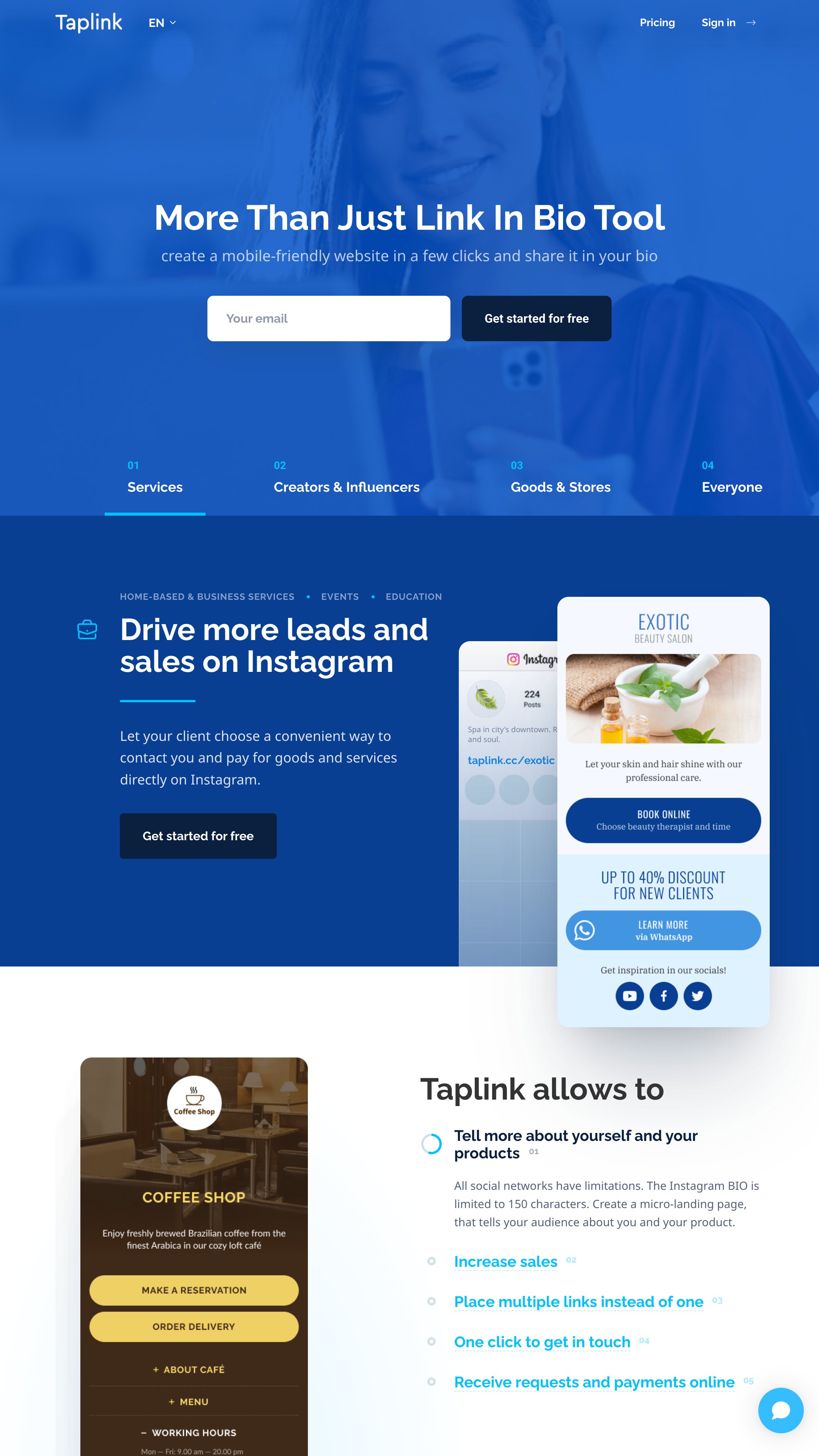
Taplink is a versatile link-in-bio tool that caters to creators across industries like fitness, photography, and beauty. It provides 300+ customizable content blocks that can be personalized with your preferred colors, fonts, and layouts, making it easy to align with your branding.
A standout feature is Taplink's AI-powered builder, which creates a personalized landing page in just 10 seconds based on your business description.
Creators can integrate links to social platforms, products, or services, while also enabling direct messaging through apps like WhatsApp or Telegram. Detailed analytics track page views and click-through rates, giving valuable insights to optimize performance.
Pricing is flexible, starting with a comprehensive free plan offering unlimited links and basic design options. Pro ($2.99/month) adds lead capture forms and payment tools, while Business ($7.99/month) includes those features plus custom domains.
With a user-friendly interface accessible on both desktop and mobile, Taplink is perfect for creators of all skill levels.
10. Stan Store
Pros and Cons
Pros
-
Built-in storefront with no additional transaction fees
-
Combines digital sales, bookings, and email tools
Cons
-
No free plan, only paid subscriptions
-
Advanced features come at a higher monthly cost
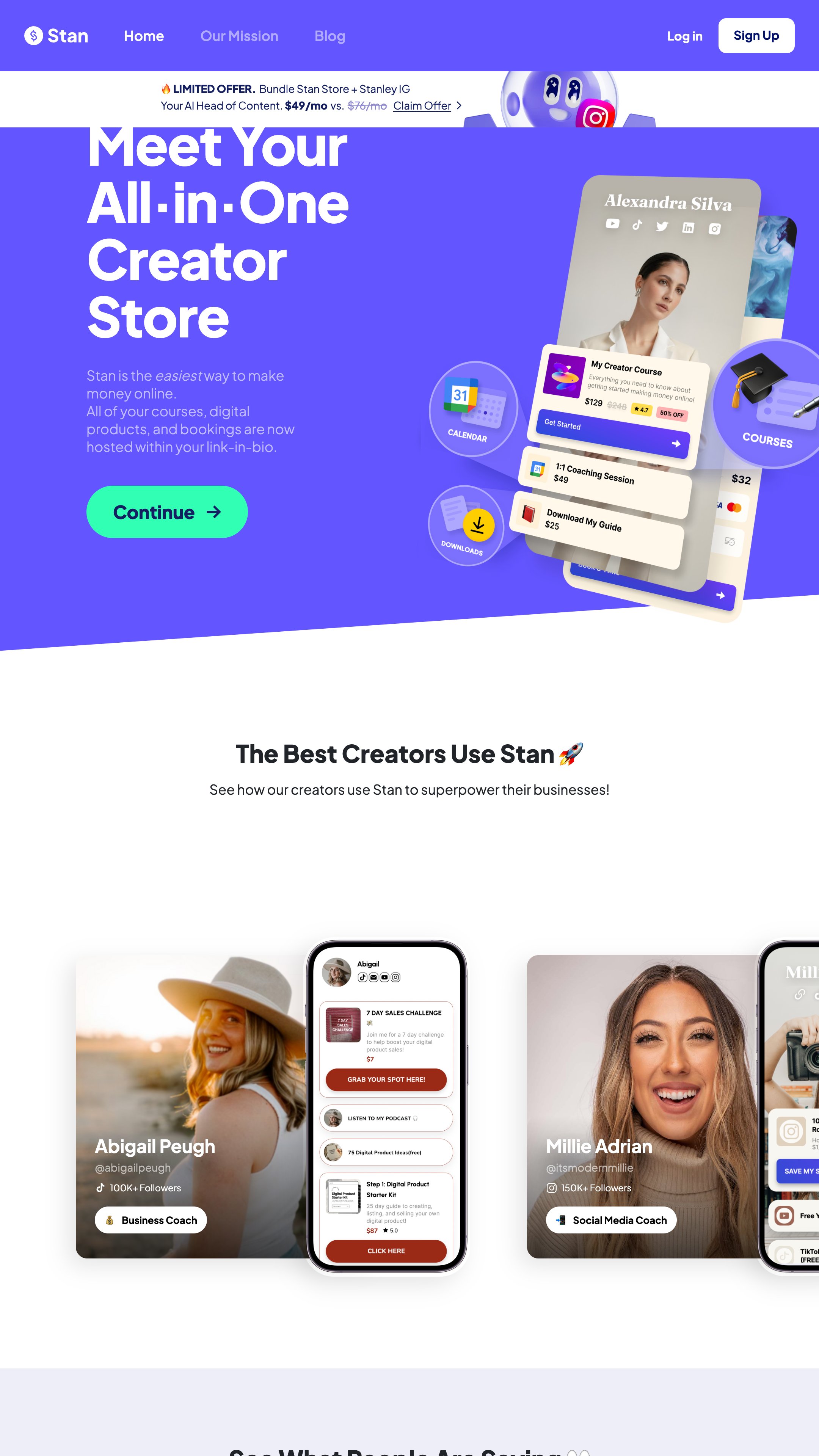
If your primary goal is making money directly from your social traffic, Stan Store is the undisputed heavyweight champion.
Traditional tools send your followers on a treasure hunt across external landing pages. Stan keeps everything native. When someone wants to buy your e-book, book a discovery call, or purchase a digital product, they complete the transaction directly inside the app container.
This frictionless setup is vital when you are implementing the foundational steps of how to get paid brand deals as a beginner in 5 steps. It ensures that when an interested brand manager clicks your profile, they can easily pay for a consultation or lock in a package within seconds.
Stan Store's plans start at $29/month, with an advanced Creator Pro option at $99/month for features like payment plans and pixel tracking. The interface is user-friendly, with drag-and-drop functionality, making it suitable for creators of all skill levels.
Best Practices for Bio Pages
Your link in bio tool shouldn't just exist to look pretty; it should support your behind-the-scenes legal and financial infrastructure.
When you establish clear options for brand collaborations, you need to understand how to price UGC content accurately. You can seamlessly link your standard rate sheet or discovery booking forms directly within your tool.
Once a brand reaches out to lock in your services via your bio page, you can immediately send them a simple UGC creator contract template to secure the legal boundaries of the project. Having these pipelines set up makes it significantly simpler to guide brands from initial curiosity into structured monetization phases.
The thing is, balance matters. You want your bio page to feel intentional and polished while staying easy for your audience to navigate. Think of it as your personal billboard; make every inch count!

Tips for Maximizing Link-in-Bio Impact
A major advantage of using professional bio tools is the ability to display your understanding of commercial licensing. When corporate clients view your hub, you can explicitly layout your terms for asset utilization.
Having clear packages listed on your landing page helps educate clients on complex topics, such as navigating UGC usage rights: the ultimate pricing and licensing guide or comparing structural differences like rights-managed vs. unlimited UGC licensing.
When you treat your landing page like an enterprise-level hub, you set the baseline to understand how do UGC creators get paid: the 5-step process. This structure builds the exact relationship of trust required to teach you how to build long-term brand partnerships instead of scraping by on unpredictable, low-paying gigs.
Ultimately, this workflow is exactly how to scale from 1-off UGC gigs to monthly retainers, turning your link in bio tool into a highly predictable, recurring source of income.
Your bio is a list of links that acts as your direct line to connecting with your audience.
Keep it updated, test what works, and use analytics to refine your strategy.
Simplicity and clarity will always win. Your bio is your direct line to connecting with your audience. Make it count.