Create a Photographer Media Kit for Brands

Paul Osas
5 min read
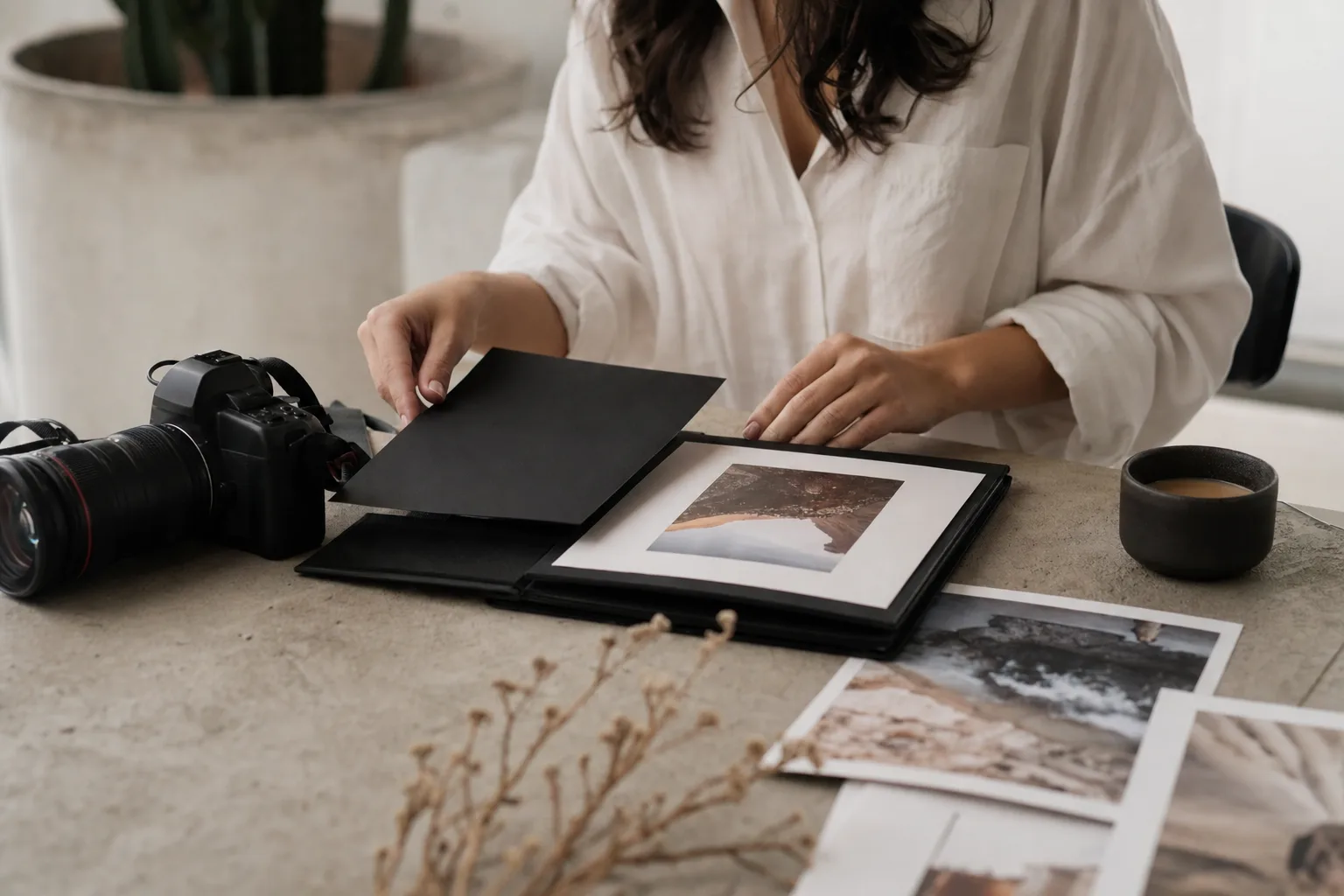
Photographer'sYou’ve shot the photos. You’ve edited them to perfection. You’re ready to work with dream brands. But when a potential client asks, "Can you send over your deck?" you freeze.
If you are sending a Dropbox folder of random JPEGs or a plain text email with prices, you are leaving money on the table.
In the commercial world, your Media Kit is your resume, your portfolio, and your sales pitch rolled into one PDF. It dictates how brands perceive your value before they even speak to you.
While influencers focus on "follower counts" and "engagement rates," a photographer's media kit is different. It focuses on aesthetic, usage rights, and production value.
Whether you are looking for how to find product photography clients or trying to land a retainer, this guide will walk you through exactly how to build a media kit that gets you hired.
The Strategy (Before You Design)
Do not open Canva yet. A pretty kit with a bad strategy is useless. You need to define your "Visual Identity."
The "Specialist" Rule: Brands hire specialists, not generalists. If your kit shows a wedding photo, a dog portrait, and a bottle of serum, you look like a hobbyist.
-
Bad: "I take photos of everything."
-
Good: "I specialize in high-contrast product photography for skincare and wellness brands."
If you haven't defined your niche, review our guide on how to shoot for brands and get paid to understand what commercial clients are actually buying.
The 5 Essential Pages of a Photographer’s Media Kit
Your kit should be a PDF, 5-8 pages long, landscape format (1920x1080px). Here is the winning structure:
1. The Cover Page (The Hook)
This is the only place for your "Hero Shot". Your absolute best image.
-
Include: Your Name/Logo, Title (e.g., "Commercial Photographer"), and a tagline.
-
Example: Jane Doe | Visual Storytelling for Eco-Friendly Brands.
2. About Me & Philosophy (The Connection)
Keep this brief. Brands don't care about your first camera; they care about your process.
-
Focus: How do you solve problems? Do you handle prop sourcing? Do you have a home studio?
-
Pro Tip: This is where you separate yourself from influencers. While they sell an audience, you sell assets. (Read more about the difference in our general media kit guide.
3. The Portfolio (The Proof)
Do not dump 50 images here. Curate 3-4 distinct "Case Studies."
-
Case Study Layout: Show the product shot, a lifestyle shot, and a detail shot for one brand on a single page.
-
Context: Add a small caption: "Client: [Brand Name] | Goal: Increase click-through rate on Facebook Ads."
Resource: If you need to fill this section but don't have clients yet, use the best platforms for freelance photographers to find initial gigs to build your book.
4. Services & Investment (The Money)
This is where most photographers fail. They list a single price: "$500 per shoot." Instead, offer Packages.
-
The "Starter" Package: 5 Photos (White Background) - $XXX
-
The "Social" Package: 15 Photos (Styled Lifestyle) + 3 Stop-Motion GIFs - $XXX
-
The "Campaign" Package: Full Day Rate + Model Sourcing + Unlimited Usage - $X,XXX
Crucial Note on Licensing: You must state whether these prices include usage rights. Are they paying for the photo creation or the license to use it in TV ads?
-
Always include a disclaimer: "Base rates include 12 months of digital/social usage. Paid ad licensing is extra."
-
Deep Dive: Before you type a number, read our UGC usage rights pricing and licensing guide. It will save you from signing away your rights for free.
5. The Process & FAQ (The Trust Builder)
Answering questions before they are asked shows experience.
-
Timeline: "Typical turnaround is 7-10 business days."
-
Revisions: "Includes 1 round of retouching adjustments."
-
Shipping: "Client is responsible for shipping products to/from the studio."
Design and Tools
You don't need InDesign.
-
Canva: Use keywords like "Lookbook" or "Portfolio Presentation" to find templates.
-
File Size: Keep your PDF under 5MB. Large files bounce from corporate inboxes.
-
Clickable Links: Make your email address and website URL clickable buttons in the PDF.
Real-Life Case Study: The "Upsell" Kit
The Photographer: Mark, a beverage photographer.
The Problem: He was sending a Google Drive link. Brands would look, say "cool," and offer him $200.
The Fix: Mark built a PDF Media Kit. On the "Services" page, he added a "Monthly Retainer" option (4 shoots per year at a discounted rate).
The Result: His next client didn't just book one shoot; they booked the quarterly retainer for $4,500 upfront because the media kit made the "bulk" option look like a smart business decision.
Do not attach it to your very first cold email. Your first email is to generate interest.
-
Email 1 (The Hook): "I have some ideas for your summer launch..." (Use our pitch email guide for photographers).
-
The Reply: The brand says, "Sounds interesting, do you have rates?"
-
Email 2 (The Kit): "Absolutely! Attached is my media kit with my portfolio and standard packages. Let me know if Tier 2 looks like the right fit."
Remember...
A messy email suggests being cheap. A polished, strategic Media Kit suggests professionalism.
If you take the time to build a proper kit, you aren't just organizing your photos; you are signaling to brands that you are a business partner worth investing in.
Ready to send your new kit to decision-makers? Check out our guide on how to find brand emails for UGC (the research methods work perfectly for photography clients, too).