The Best Free UGC Portfolio Website Builders

Paul Osas
10 min read

If you're a UGC creator, you already know how chaotic things get. Juggling multiple projects, pitching to brands, tracking results; it's a lot.
And let's be real, sending a Google Drive link or a random social media profile doesn't exactly scream "professional."
With a dedicated portfolio website, you've got one central hub that does it all: showcase your best work, share your rates, drop contact details, and even highlight the big wins
The good news?
You don't need a big budget or coding skills to build a stunning one.
This guide will walk you through the best free portfolio website builders designed for UGC creators to help you showcase your work, land dream collaborations, and grow your career.
All without spending a dime.
What to Look for in a Portfolio Builder
Before diving into the tools, know what makes a platform great for UGC:
-
Visual-First Design: It should prioritize images and video embeds.
-
Simplicity & Speed: You should be able to build and update it in minutes, not days.
-
Mobile Responsiveness: Brands will view it on phones, so it must look flawless.
-
Essential Free Features: Look for a free custom domain (like
yourname.portfolio.com), ample storage for videos and images, and basic analytics.

Top Free UGC Portfolio Website Builders

Canva's website builder is a fantastic choice for creators who live for aesthetics. Its drag-and-drop editor is exceptionally intuitive, letting you place videos, images, and text exactly where you want them. Canva is a great choice because it offers:
-
Video Embedding: You can embed TikToks and Reels that autoplay (or play on tap), which is crucial for showing off your hooks.
-
Templates: There are thousands of pre-made "Portfolio" templates.
-
Free Hosting: You can publish directly to a free
my.canva.sitedomain.
The "Canva Hack": Don't just paste screenshots. Use the "Mobile Video" frame element to simulate how your content looks on a phone screen. This context helps brands visualize your work on their feed.
For a visual walkthrough on setting up a free portfolio (specifically on Canva), this video breaks down the technical steps perfectly: How to Create a UGC Portfolio on Canva (FREE Template)
Pro Tip: Combine your portfolio with other best apps for content creators to edit your thumbnails before uploading them to Canva for a polished look.
If you want a head start with a structure that speaks directly to brands, Craft.do’s dedicated UGC portfolio template is a standout.
It’s designed to “showcase what brands care about,” guiding you to highlight key elements like testimonials, engagement metrics, and a clear collaboration call-to-action.
The card-based layout is perfect for organizing different campaign types (e.g., “Unboxing Videos,” “Tutorial Reels”) so potential clients can instantly see your range.
Making Your Choice
-
Choose Canva if your brand is highly visual and you love hands-on design.
-
Choose Craft.do if you want a guided, structured approach tailored for UGC.
-
Choose Wix for maximum creative control.
-
Choose Google Sites for absolute, no-fuss simplicity.
-
Choose WordPress.com if you plan to heavily integrate a blog or anticipate massive future growth.
3. Wix Website Builder
Pros and Cons
Pros
-
Massive template selection for diverse creative needs.
-
Drag-and-drop builder requires no coding skills.
Cons
-
Free sites display Wix branding and ads.
-
Custom domains and e-commerce need upgrades.
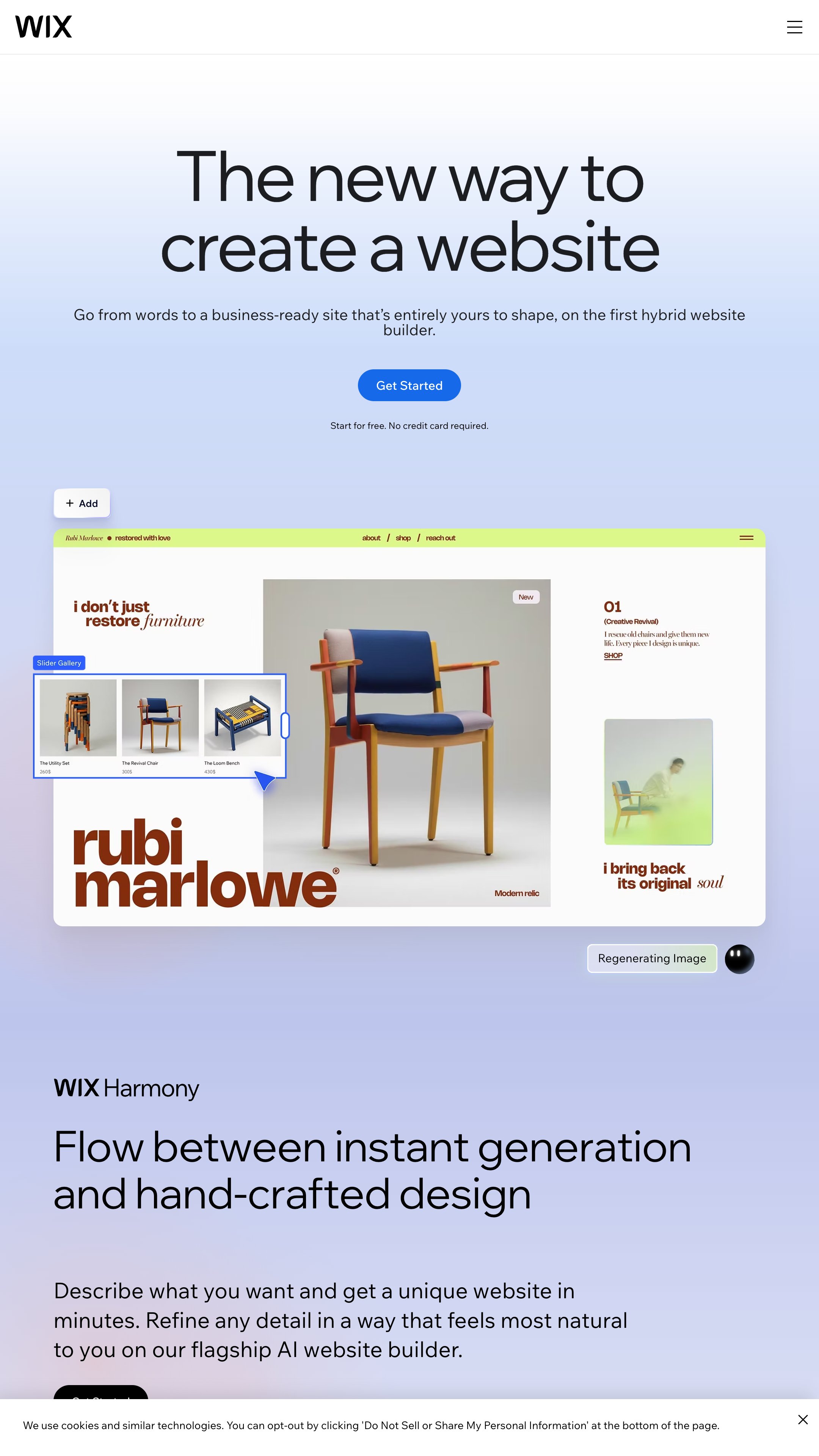
Wix is a popular choice for UGC creators looking to build a portfolio with minimal effort. With 800+ customizable templates and a drag-and-drop editor, it's easy to create a site that matches your personal brand.
Notion is perfect for creators who position themselves as "partners" rather than just "talent." It allows you to write in-depth case studies alongside your videos.
Why it wins:
-
Case Studies: You can easily mix text, graphs, and video. Use this to show results (ROAS, CTR) alongside the creative.
-
Organization: You can create separate pages for "Skincare," "Tech," and "Pet" examples to keep things tidy.
-
Live Updates: Did you just land a new deal? Update the page instantly without needing to "re-publish" a website.
Real-Life Application: Use Notion to display your process. Show how you take a brief and turn it into a concept. (Need help understanding briefs? Read how to write a UGC content brief for brands to speak their language).
5. Webflow Starter
Pros and Cons
Pros
-
Advanced visual editor for creative control.
-
Extensive tutorials and learning resources provided.
Cons
-
The free plan restricts you to two pages.
-
Custom domains and some integrations require upgrading.
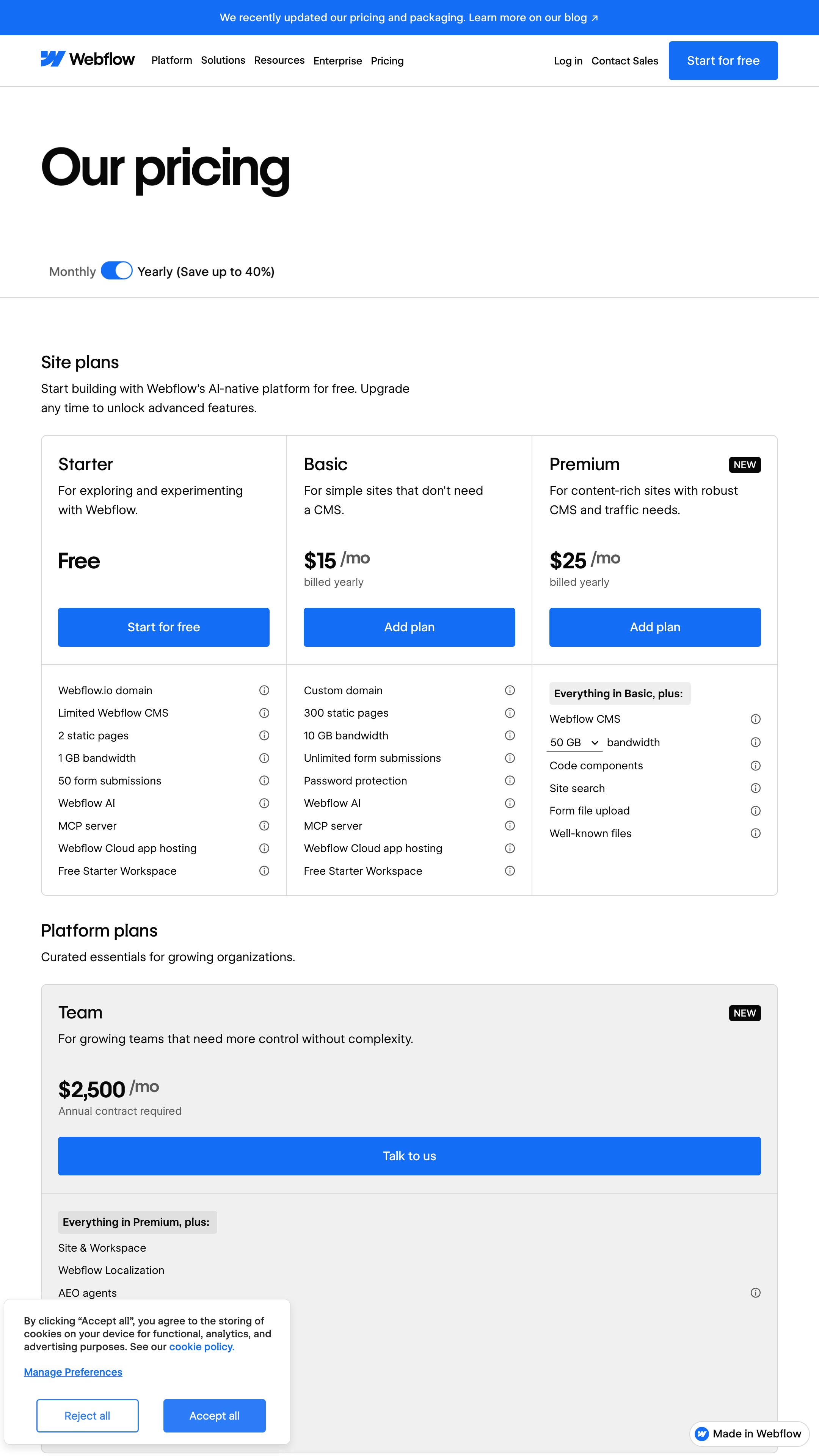
Webflow's free Starter plan is a solid choice for UGC creators who want a sleek portfolio without touching any code. It offers a visual editor with drag-and-drop functionality, making customization straightforward, even for beginners.
Webflow shines in design flexibility and provides a library of tutorials to help you get started.
Owned by Adobe, Behance is often overlooked by UGC creators because it’s known for graphic design. However, it is completely free and has a high domain authority (which helps you show up in Google search).
Why it wins:
-
Discovery: Brands browse Behance to find talent. Your portfolio is also a search engine listing.
-
Unlimited Uploads: Unlike some free builders that cap your storage, Behance lets you upload high-res work.
6. WordPress.com Free
Pros and Cons
Pros
-
Quick setup with no hosting required.
-
Intuitive block editor for easy content creation.
Cons
-
Free plan shows WordPress branding and ads.
-
No plugin support or custom domain without payment.
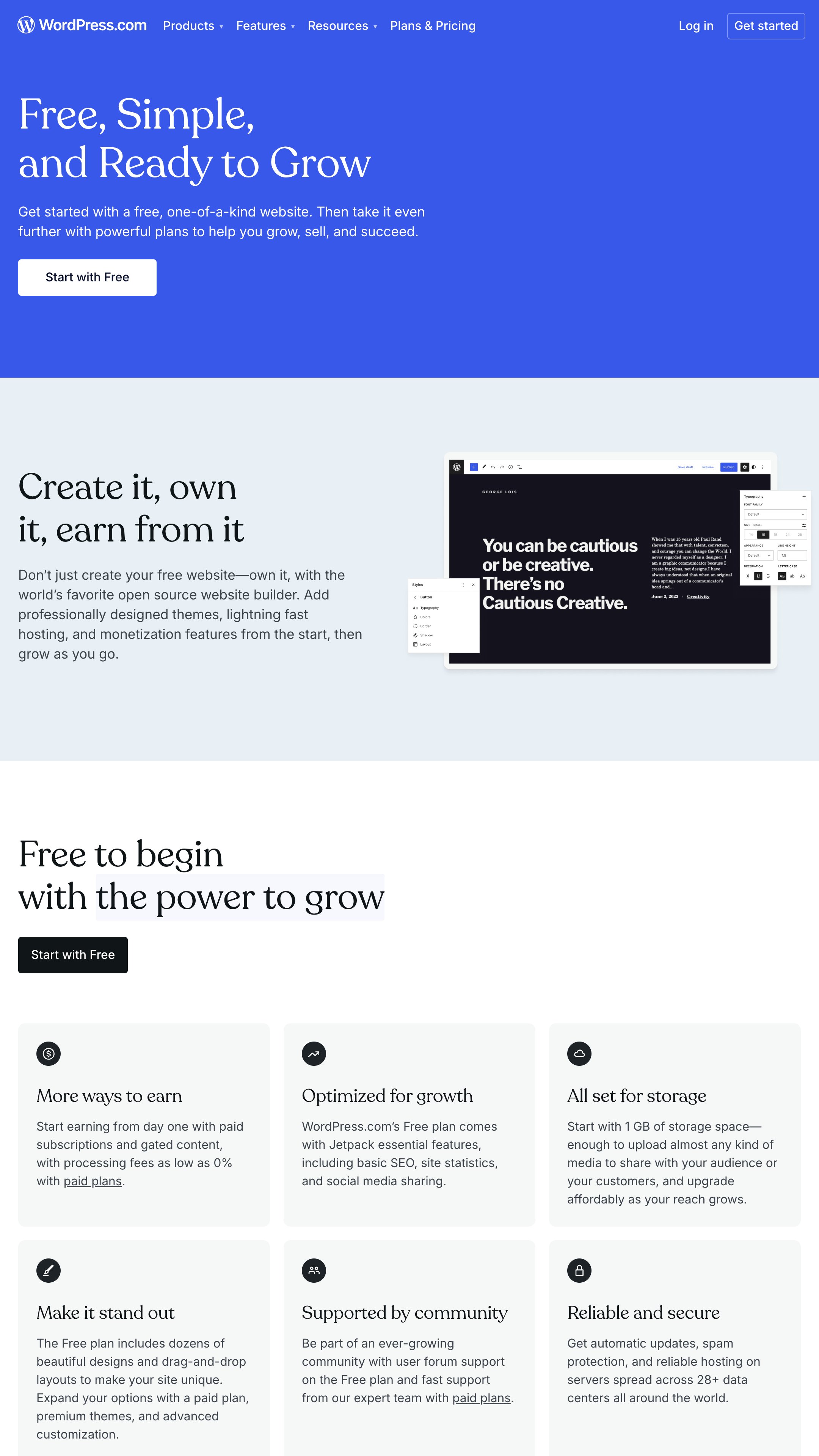
WordPress.com's free plan is a beginner-friendly option for UGC creators who want a simple portfolio without upfront costs.
You'll get 1 GB of storage and the ability to create unlimited pages and posts, all hosted on a WordPress.com subdomain.
7. Carrd Free
If you want a clean, one-page website that loads instantly, Carrd is the answer. It is incredibly popular among creators who want a "link-in-bio" that does more than just list links.
Why it wins:
-
Speed: It is lightweight and fast, ensuring brands don't bounce because of slow load times.
-
Responsiveness: It is built mobile-first, which is how 80% of decision-makers will view your portfolio.
-
Simplicity: You can’t "mess it up." The rigid grid system keeps your design looking professional.
The Downside: The free version has limitations on the number of elements (widgets) you can use, and you will have a small "Made with Carrd" badge in the footer.
6. Strikingly Free
Pros and Cons
Pros
-
Unlimited free single-page sites allowed.
-
User-friendly for first-time website creators.
Cons
-
Strikingly branding appears on free sites.
-
Custom domains and advanced features require payment.
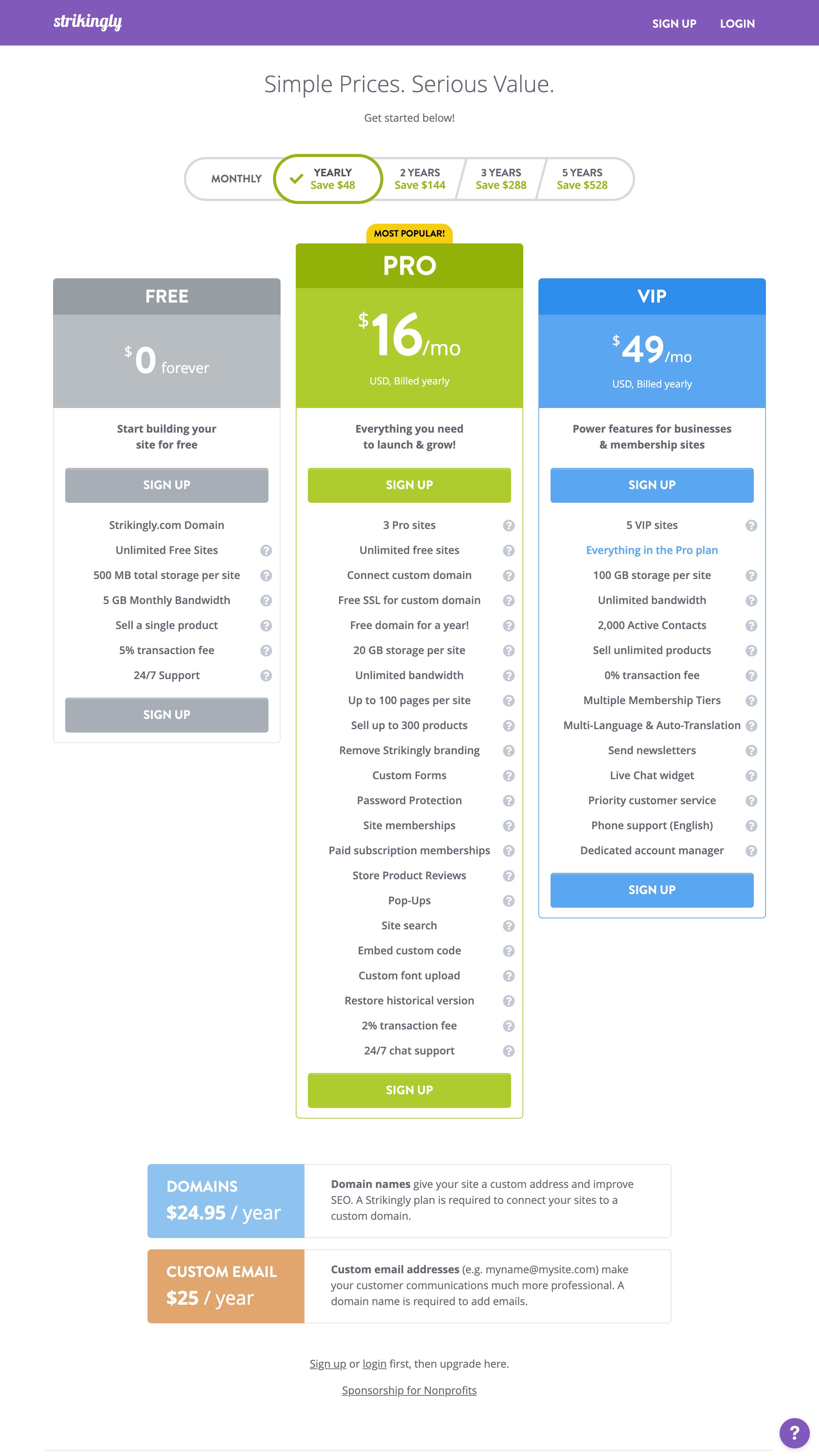
Strikingly's free plan is a straightforward option for UGC creators looking to set up a single-page portfolio quickly. It offers unlimited single-page websites, each with 500MB of storage and 5GB monthly bandwidth, all hosted on a Strikingly subdomain.
9. SITE123 Free
Pros and Cons
Pros
-
Easy setup with guided steps for beginners.
-
24/7 support is available even on free plans.
Cons
-
Minimal storage and bandwidth on free sites.
-
Limited customization and SITE123 branding shown.
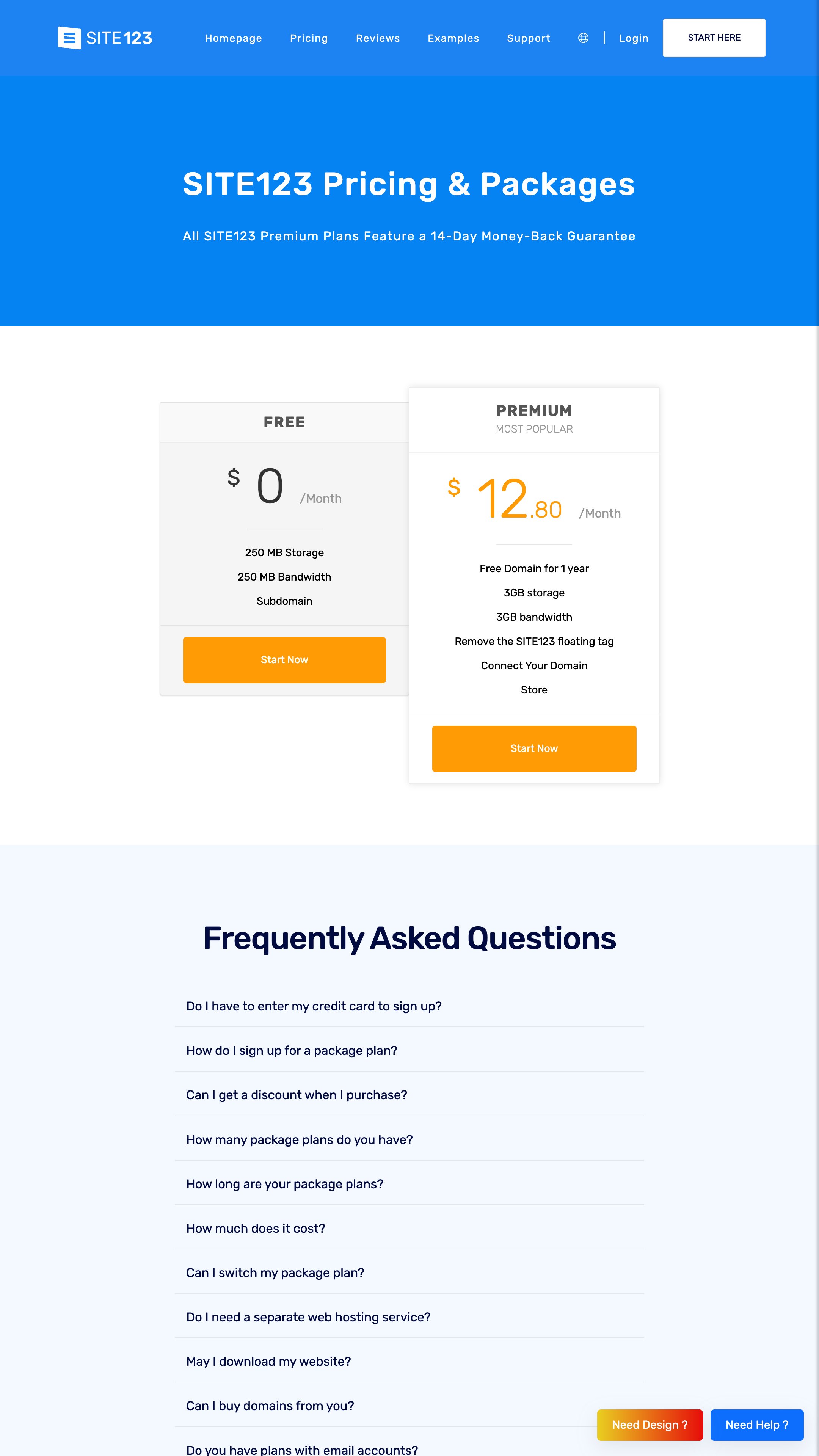
SITE123's free plan offers a no-frills solution for UGC creators looking to set up a basic portfolio. With 250 MB of storage and bandwidth, it's sufficient for smaller sites, and your website will be hosted on a SITE123 subdomain (e.g., yourname.site123.me), which might feel less polished.
Customization stays within predefined templates, and the free plan displays SITE123 branding that remains unless you upgrade to a paid option.
10. Jimdo Free
Pros and Cons
Pros
-
AI-powered setup creates a site in minutes.
-
No coding needed thanks to intuitive editor.
Cons
-
Limited design flexibility for free users.
-
Jimdo branding and ads appear on free websites.
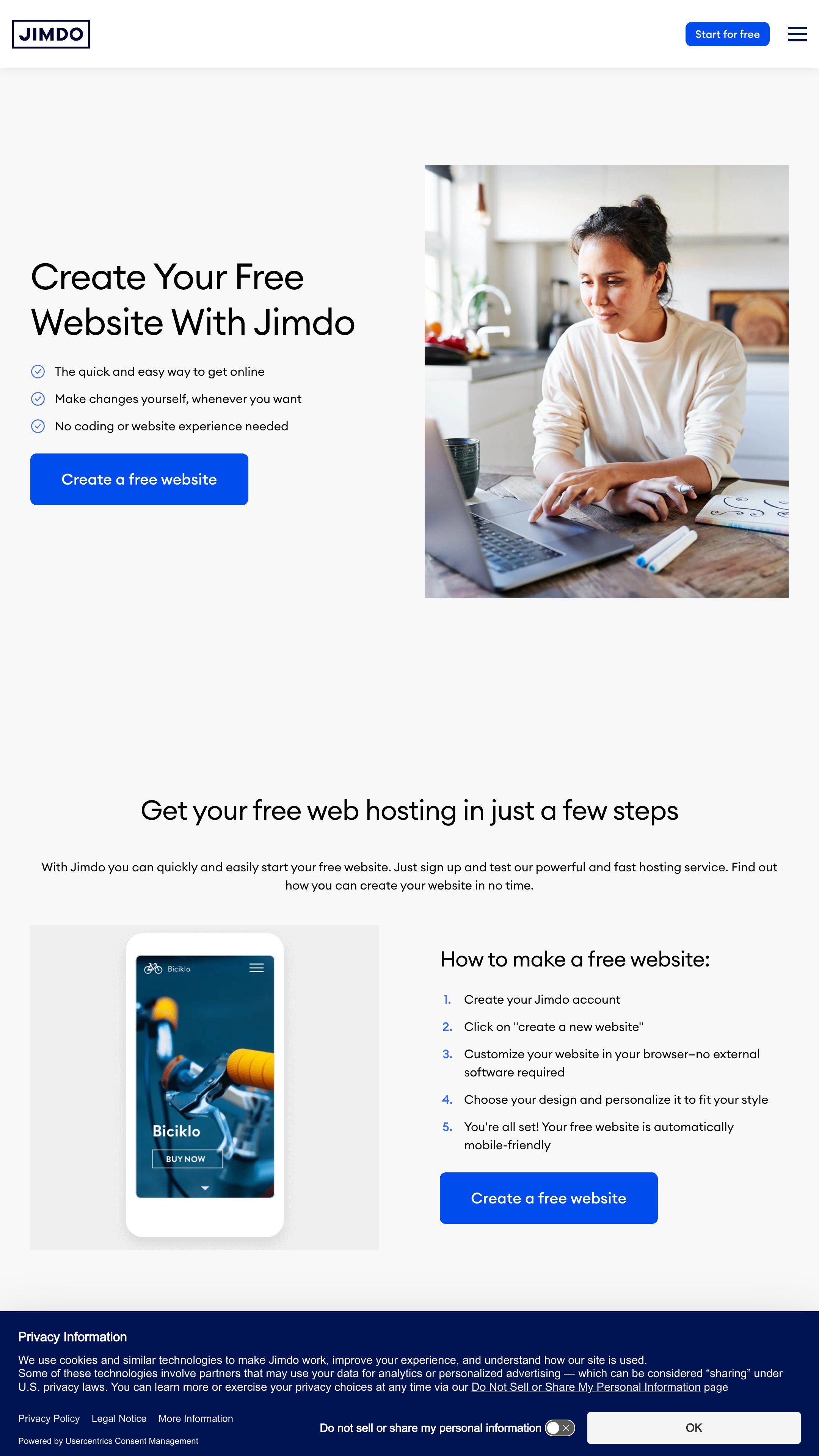
Jimdo Free is an AI-powered website builder that helps creators establish a simple online presence without getting into the technical side of web development.
The platform offers a handful of templates with customization limited to predefined layouts, fonts, and colors. This approach simplifies the design process and may feel restrictive for creators who want more creative control.
11. Portfoliobox Free
Pros and Cons
Pros
-
Creative templates tailored for portfolios.
-
Simple drag-and-drop interface for easy updates.
Cons
-
Only 30 images and 5 pages per free site.
-
Portfoliobox branding and no e-commerce on the free plan.
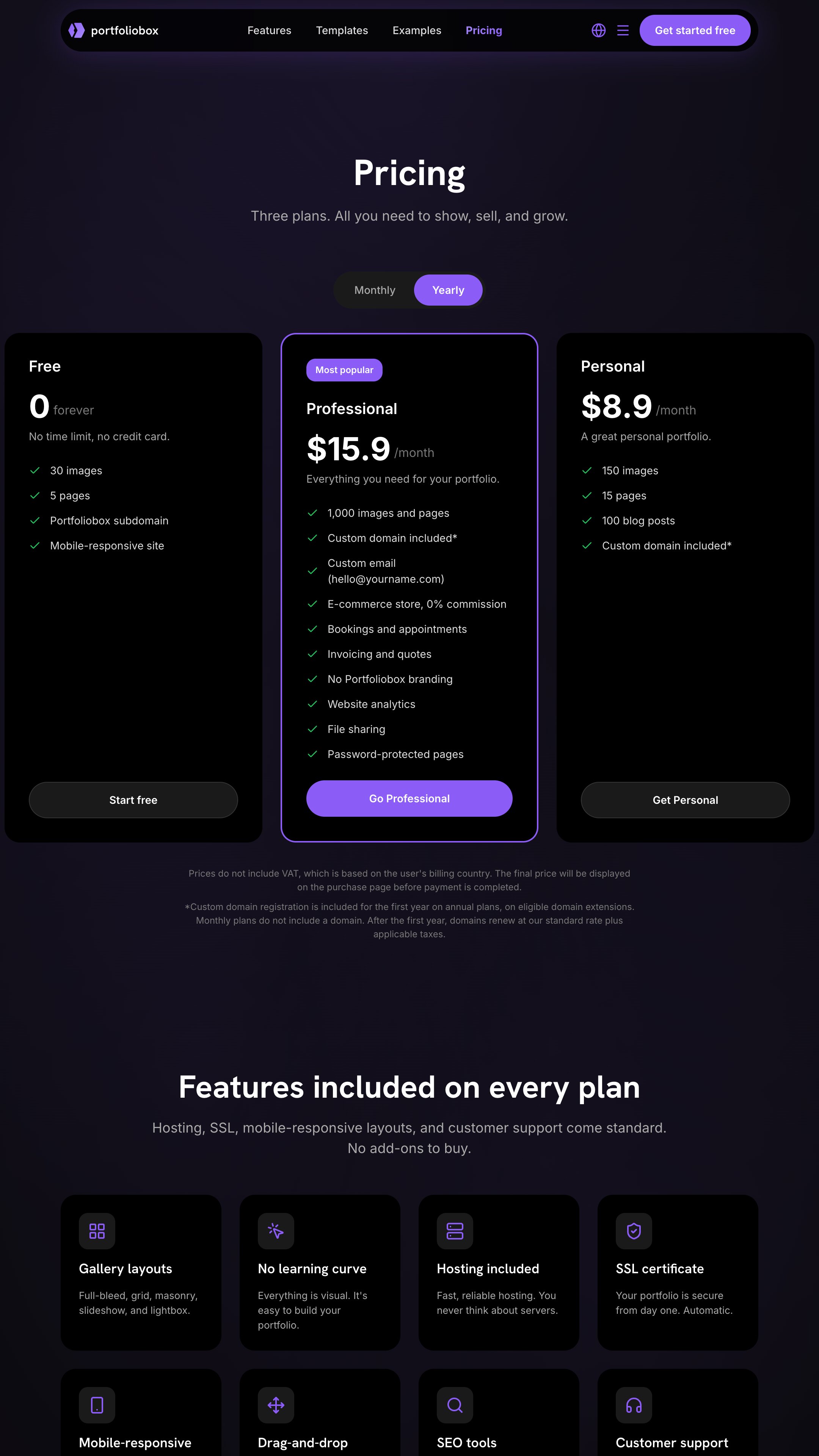
Portfoliobox Free is a straightforward option for UGC creators who need a simple, visually appealing portfolio. It offers customizable templates built for creatives, with options for galleries, blogs, and events.
You can tweak layouts, colors, and typography to reflect your personal brand, though the free plan comes with limitations, like a 30-image cap, 5 pages, and Portfoliobox branding on your site.
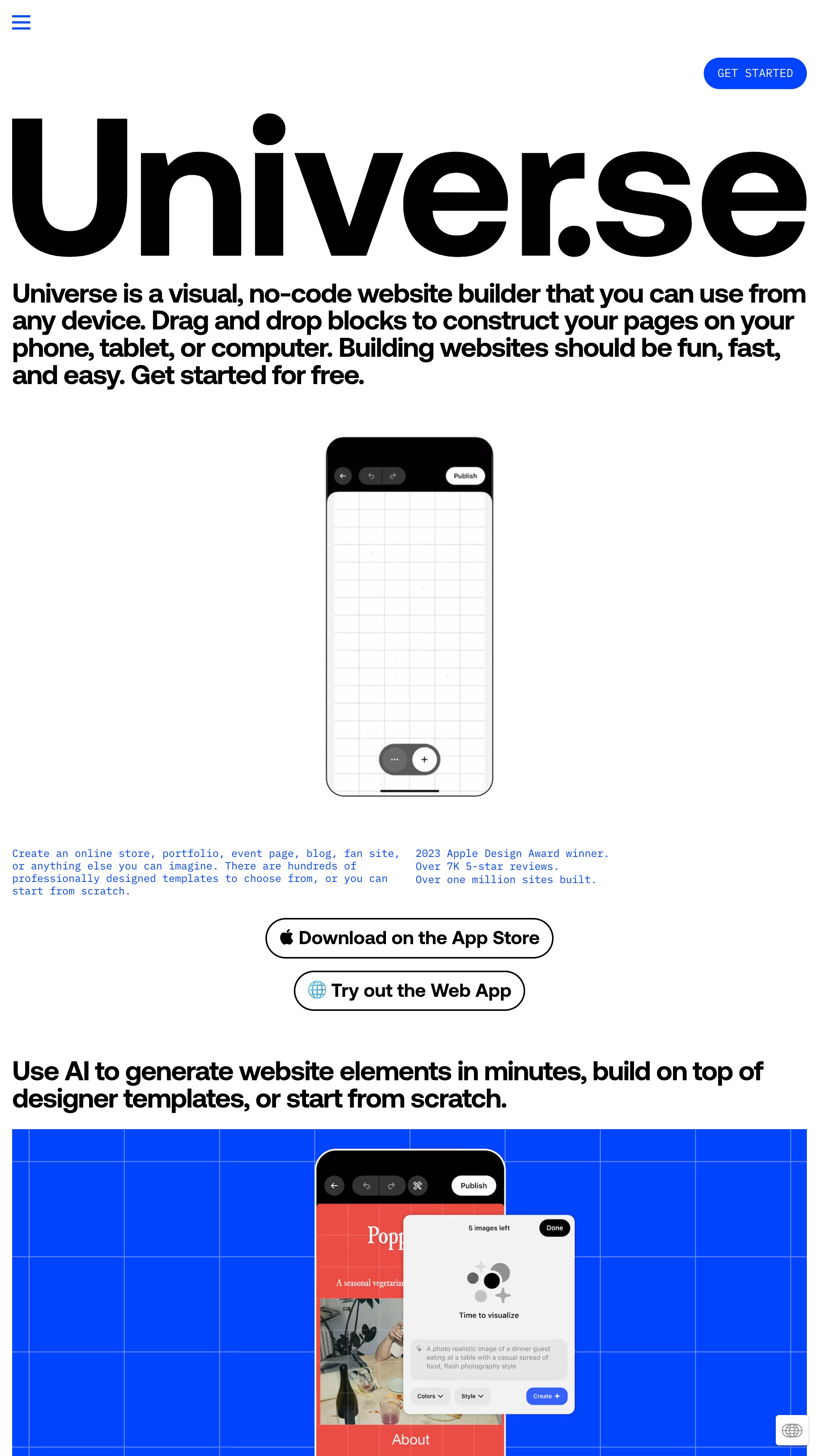
12. Universe — Website Builder
Pros and Cons
Pros
-
Build and edit sites directly from your phone.
-
Free plan includes analytics and email features.
Cons
-
Free version limited to five pages per site.
-
Universe branding and limited commerce on the free plan.
Universe is a mobile-first website builder for creators who want simplicity on the go. Its free plan allows you to create a grid-style portfolio or link-in-bio site hosted on a Universe subdomain (e.g., yourname.onuniverse.com).
With five pages and 1 GB of storage, you can easily showcase a streamlined portfolio or main contact links.
How to Build Your UGC Portfolio: A 5-Step Launch Plan
Regardless of the builder you choose, your portfolio must answer three questions:
-
Who are you? (Bio & Photo)
-
What can you do? (Video Examples). Check out our UGC examples on TikTok for inspiration on what styles to include.
-
How much is it? (Rates or "Contact for Rates"). Make sure you consult our how to price UGC content guide before publishing numbers.
Select 5-7 of your best projects. For each, include:
-
The final video or image.
-
A brief on the brand and campaign goal.
-
Your creative role (concept, filming, editing, etc.).
-
Key results or metrics, if available (e.g., “Generated 250K views,” “+15% engagement rate”).
Step 2: Structure Your Story
Organize your single-page website with these clear sections:
-
Hero Header: Your name, niche (e.g., “Beauty & Lifestyle UGC Creator”), and a powerful tagline.
-
About You: A short bio highlighting your unique style and what it’s like to work with you.
-
Portfolio Gallery: Your curated projects, organized by type or brand.
-
Metrics & Testimonials: Social proof builds crucial trustworthiness. Add a few impressive stats and quotes from past collaborators.
-
Contact CTA: A clear, simple “Work With Me” button linking to an email or booking form.
Step 3: Design for Impact and Clarity
-
Keep it clean. Use white space to let your content shine.
-
Ensure fast loading. Compress images and videos before uploading. Page speed is a known ranking and user experience factor.
-
Be mobile-device perfect. Preview your site on a phone repeatedly. Most of your traffic will come from mobile.
Step 4: Write Compelling, Client-Focused Copy
Speak directly to the brand manager or founder. Use “you” to draw them in. Instead of “I make beauty videos,” say “I create authentic, scroll-stopping beauty content that drives sales for your brand.”
Step 5: Publish, Share, and Iterate
-
Publish and get your live link.
-
Share it everywhere: Link in your Instagram bio, TikTok profile, media kits, and email signature.
-
Analyze and update: Use simple analytics (like those in Craft.do) to see what visitors view. Regularly swap in new projects to keep your portfolio fresh.

How to Promote Your New Portfolio

A portfolio is useless if no one sees it.
-
Pitch with purpose: When reaching out to brands, always link directly to a relevant project in your portfolio. Here are 10 email outreach tips for you to do it right.
-
Create portfolio-specific content: Make a “Portfolio Walkthrough” video for social media.
-
Network strategically: Share your link in professional online communities for creators and marketers.
We see creators make avoidable errors that cost them deals.
-
Broken Links: Always test your buttons in Incognito mode.
-
Ignoring Usage Rights: If you display work, be prepared to discuss licensing. Review our UGC usage rights pricing and licensing guide so you sound like a pro when they ask.
-
No Contact Info: It sounds obvious, but make your email address clickable. Don't make them copy-paste.